 ClipForge
Sign in
ClipForge
From one long video, vertical clips ready for TikTok, Reels and Shorts — in minutes, on your own computer.
Five clips, one video
An 8 min 34 video about the Sagrada Família, shot and edited by Tom. ClipForge transcribed it, cut these five clips from it and ranked them by score. Pick one on the timeline.
Clip 1 of 5
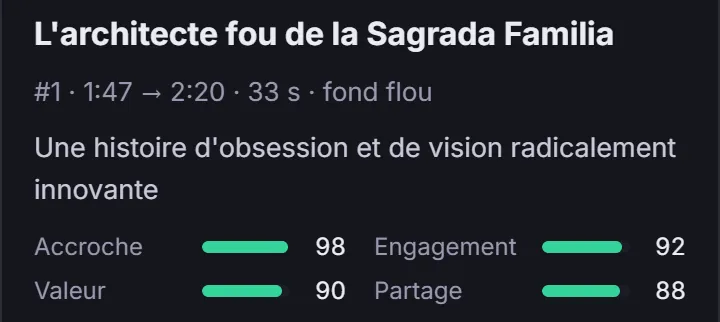
L'architecte fou de la Sagrada Familia
1:47 → 2:20 · 33 s
0:00Titles, scores and hashtags written by ClipForge’s AI, in the video’s language8:34
59 seconds for 8 min 34
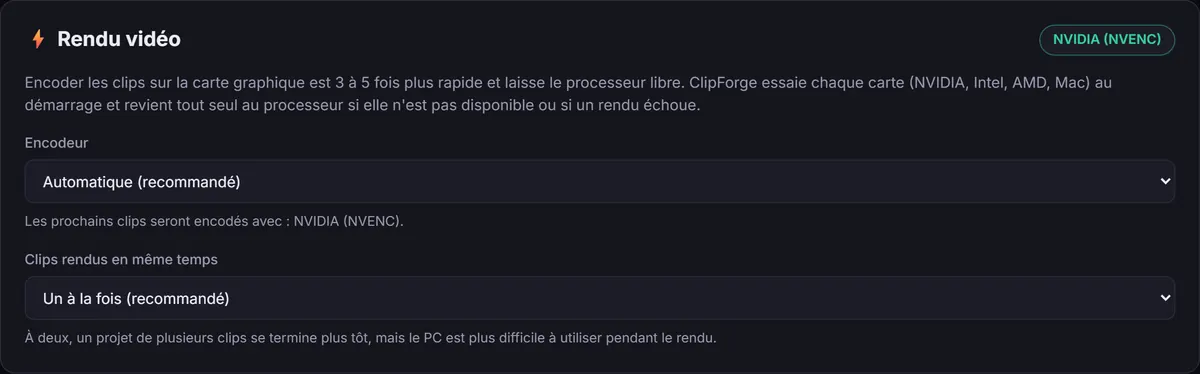
Measured on 2 November 2026 with the video above: a PC with an NVIDIA RTX 5070, local AI Qwen3 8B in LM Studio. Without an NVIDIA card, rendering takes longer.
Every clip, your way
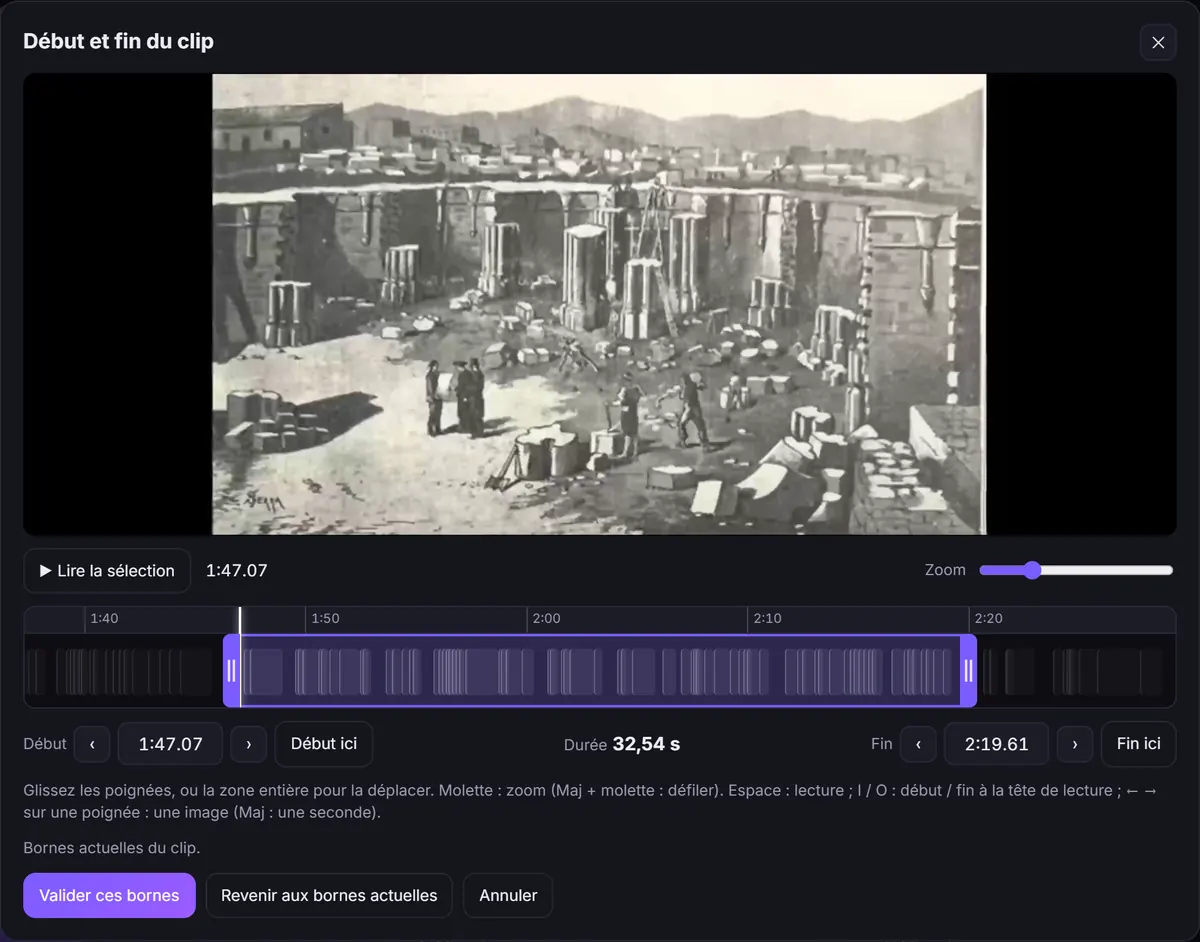
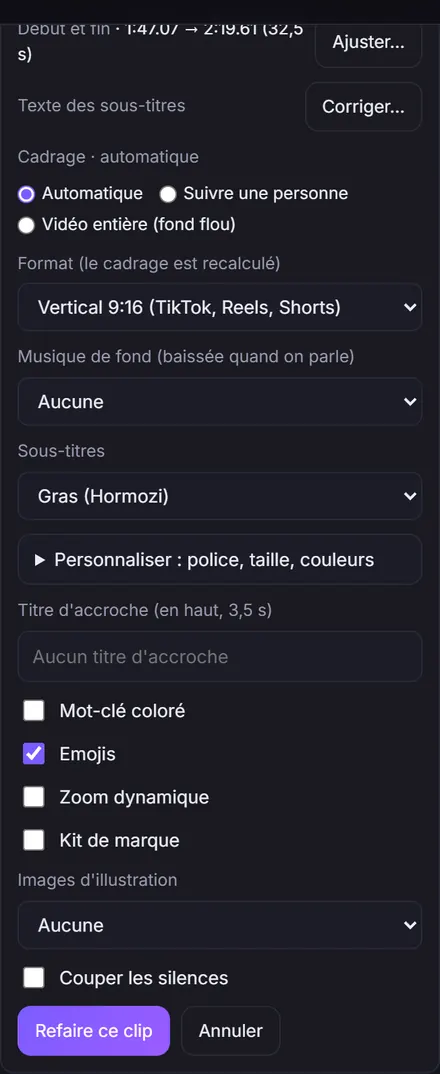
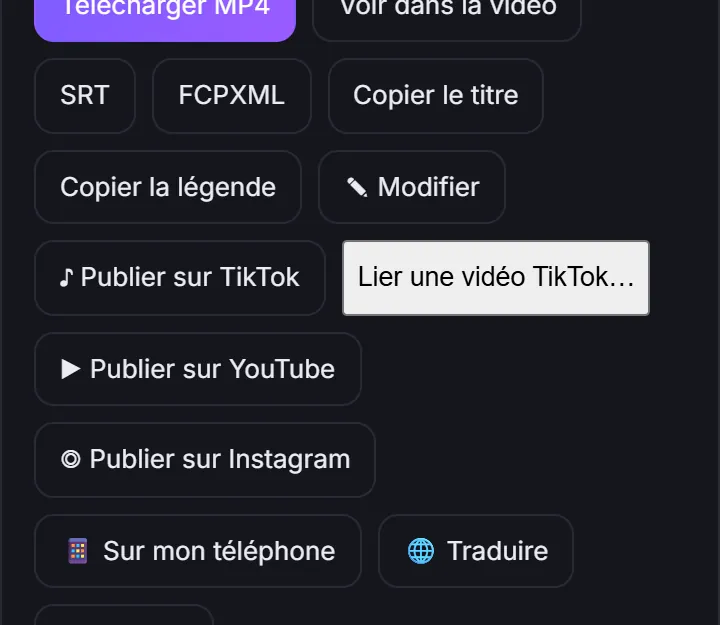
The AI suggests, you stay in control: each clip has its own card, score and settings.

Your questions
Does ClipForge cost anything?
No. ClipForge is free; access is on request, approved by Tom. With a local AI (LM Studio or Ollama), everything stays free. If you choose an online AI, its provider bills you for usage, and ClipForge stops at the monthly budget you set.
Do my videos go to the internet?
No. Import, transcription, clip selection (with a local AI) and rendering all happen on your computer. Nothing leaves it except what you decide: the transcript text if you choose an online AI, and a clip when you click “Publish”.
What computer do I need?
Windows 10 or 11, Python 3.10 or newer and about 2 GB of free space. An NVIDIA graphics card speeds up transcription and rendering; Intel and AMD work too. On Mac and Linux, ClipForge installs with a script, after FFmpeg and Python.
How does publishing to TikTok work?
In the settings, you connect your TikTok account (the official TikTok login, which you approve on TikTok). Then, on a clip’s card, “Publish to TikTok” opens a summary: caption, privacy chosen from your account’s options, comments, duet and stitch. Nothing is posted without that last click.
ClipForge uploads the video through TikTok’s official API and shows the post status. You can also send it as a draft to the TikTok app, and disconnect at any time. Step by step: the guide.
Which languages are supported?
Whisper’s 99 languages, detected automatically. A clip’s captions can then be translated.
Which AI picks the clips?
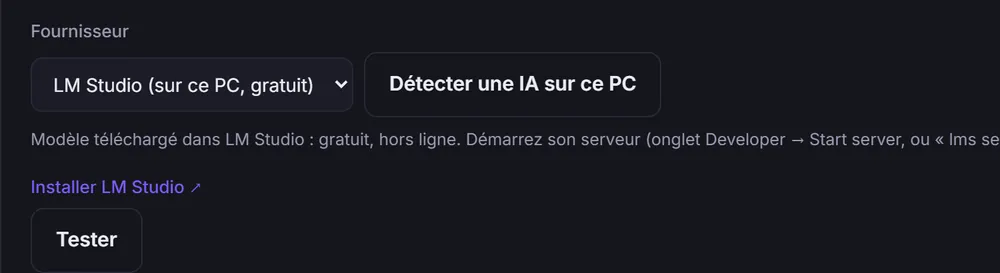
The one you want: a local AI (LM Studio or Ollama, detected in one click) or an online AI with your own key (Claude, Mistral, Gemini, Groq). Without an AI, ClipForge uses its free local analysis.
How do I get access?
On the access page (in French), create your kaito-lab.ch account. Tom gets the request by email and approves it; the download link then appears on the same page, with the install steps.
How do I delete my data?
Deleting a project in ClipForge erases its files from your computer. “Disconnect” from TikTok revokes the permission given to ClipForge. To delete your kaito-lab.ch account, write to [email protected]. Everything is detailed in the privacy policy.
Which videos can I use?
Your own, or ones you hold the rights to. As the terms of service state, you remain responsible for what you import and publish with ClipForge.
Your videos, your clips
Choose a username: the access page opens with it filled in, you add your email and a password, and Tom receives your request.